ScreenSync Browser Extension — Your Real Tabs, Agent-Controllable
A Manifest V3 extension that lets an AI agent drive the developer's own logged-in browser — 21+ web tools for navigation, interaction, performance and accessibility auditing, over the same MCP server as the mobile stack.
- Client
- EpsolDev
- Category
- Browser Automation
- Completed
- 2026-09-02
- Built with
- TypeScript, Node.js, Express.js, REST API, Git, GitHub
- Topics
- API Development, Automation, Frontend
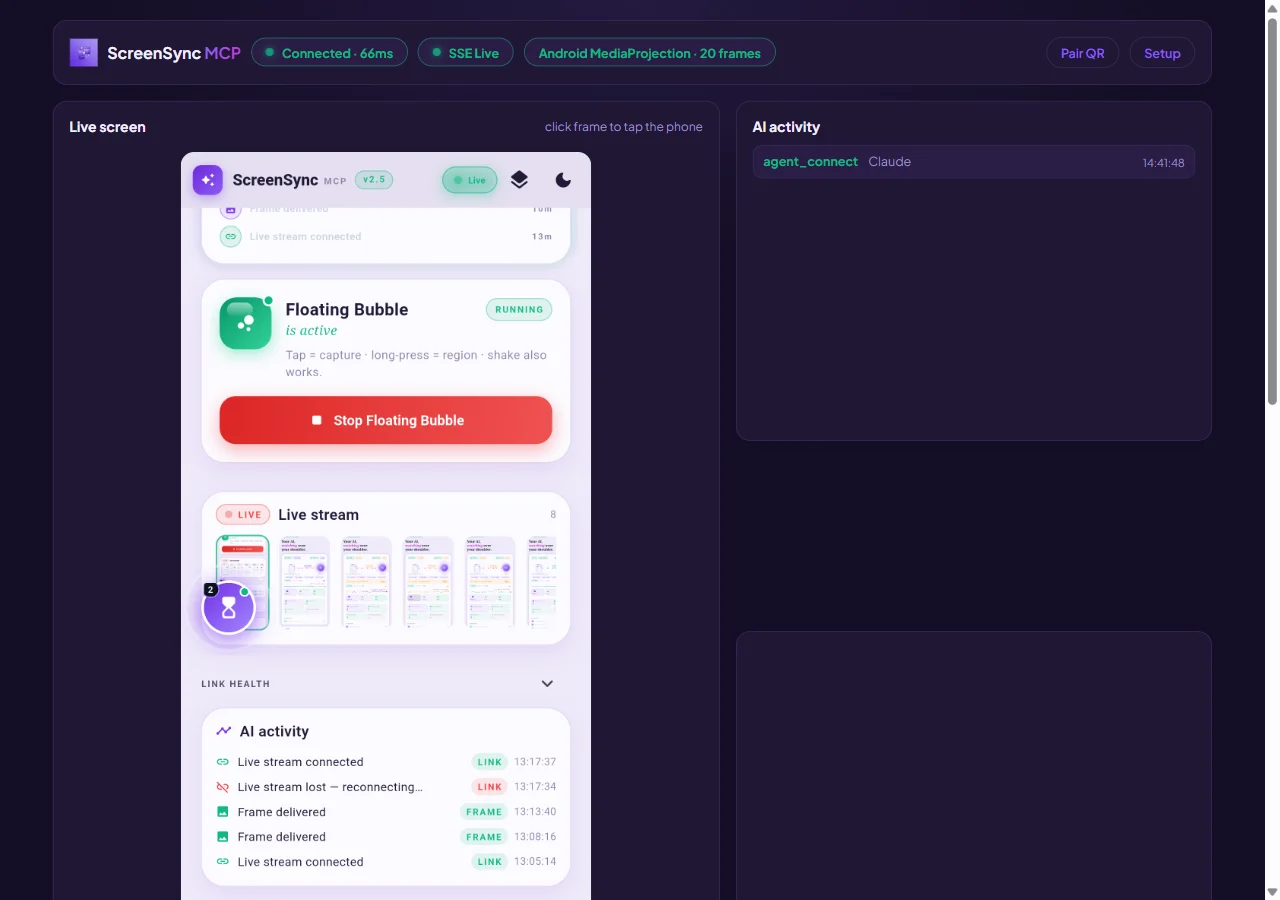
Browser Automation
The mobile half of ScreenSync answers "what is the user seeing on their phone?" The extension answers the same question about the browser — and then lets the agent act on it.
ScreenSync Browser Extension is a Manifest V3 extension for Chrome and Edge that turns the developer's own logged-in browser into an agent-controllable surface. No headless Chromium, no throwaway profile, no re-authentication, no CAPTCHA wall. The agent drives the tab the human is already using.
21 web_* MCP tools plus accessibility, performance and autonomous-flow tools — reachable over the same hub and the same MCP server as the mobile stack.
Why not just use Playwright?
Because Playwright drives a browser that is not yours. It has no session cookies, no saved payment methods, no other extensions, no service-worker state. Any workflow that begins with "log in as me" is either impossible or permanently fragile.
The extension inverts that: it runs inside the real browser context. The agent sees the real DOM, the real network tab, the real console — including the errors that only appear when a specific auth state or another extension is present.
Pairing and onboarding
Setup is three steps, and each is pre-filled wherever possible:
- Onboarding explains what the extension does and what it will ask permission for
- Connect takes the Hub URL and Pairing Token — both pre-populated from the hub the user already runs, so pasting is the exception rather than the rule
- Live confirms the hub accepted the handshake and the status pill goes green
The dashboard then shows the paired hub, the active agent, the shared catalog, and a Web Access panel that governs what the agent may touch.
Chrome's permission prompt is explicit and unavoidable. Host access is scoped, the toggle stays visible in the dashboard, and Web Access can be switched off entirely without uninstalling anything.
The web tool surface
Navigation and inspection — web_navigate, web_screenshot, web_frame, web_hierarchy, web_eval, web_console, web_network, web_request, web_dialog
web_hierarchy is the browser analogue of mobile's get_ui_hierarchy: a structured, agent-readable view of the page instead of raw HTML dumped into context. web_console and web_network give the agent the two places bugs actually hide.
Interaction — web_click, web_hover, web_scroll, web_key, web_form_autofill, web_cdp_click, web_cdp_type
The web_cdp_* variants exist because some elements cannot be reached through the content-script path — shadow DOM, cross-origin iframes, controls that only respond to trusted events. Rather than failing, the tool drops down to the Chrome DevTools Protocol.
Analysis — web_perf, web_perf_audit, accessibility_audit
web_perf_audit returns Core Web Vitals and render-blocking analysis. accessibility_audit walks the page against WCAG-oriented checks and reports contrast, form labels, focus order and heading structure — the issues invisible in a screenshot and expensive to find by hand.
Multi-step and autonomous — web_multitab_workflow, web_autonomous_agent, web_debug_session, web_reproduce_issue, web_see_and_report
web_debug_session opens a persistent debugging context so an agent can iterate — navigate, read console, patch, re-check — without rebuilding state on every call. web_see_and_report is the cheap default: look at the page, describe it, stop.
Connection — agent_connect, control_status, get_skills
What it looks like in practice
An agent asked "why does the checkout page throw at phone width?" runs:
web_navigate   -> checkout URL
web_frame      -> viewport at 390px
web_console    -> capture the TypeError
web_hierarchy  -> locate the element that failed to render
web_eval       -> confirm the hypothesis in-page
web_screenshot -> attach the proof to the report
Six tool calls, no human, and the answer arrives with a console trace and a screenshot attached.
Build notes
- Manifest V3 throughout — service-worker background, no persistent page
- Component-based UI: dashboard, onboarding, control pad, frame viewer, inspection viewer, activity feed, catalog browser, status pill and web-access panel are separate modules, none over roughly 350 lines
- The web tool layer splits into a thin definitions module and a larger execution unit, so the catalog and the implementation cannot drift apart
- A guard on the web-access status pill prevents a refresh race from showing a stale toggle state after the user flips it
- Ships as a zip from the product site, loaded via "Load unpacked" with developer mode — documented with real annotated screenshots
Results
- Real browser context for agents: sessions, cookies and extensions intact
- 21+ web tools covering navigation, interaction, analysis and autonomous flows
- Performance and accessibility auditing as first-class MCP tools, not separate products
- One pairing flow, one hub, one catalog shared with the mobile stack
See also: ScreenSync MCP for the mobile half, and ScreenSync Platform for how the two fit together.